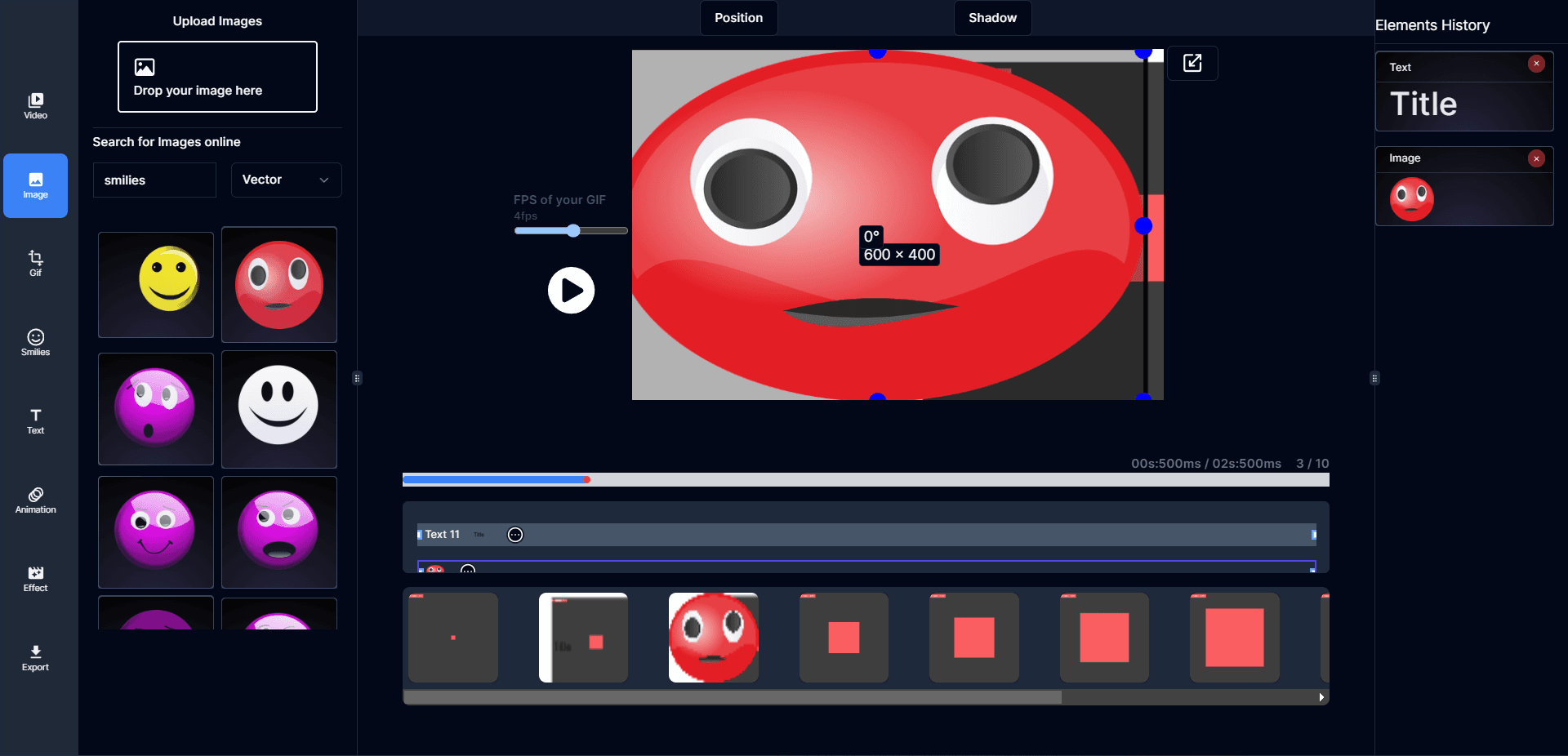
Step 1
Upload your video, images, or GIF
Start with MP4, MOV, AVI, WebM, PNG, JPG, or an existing GIF. Choose the workflow that matches what you want to make.
Start with a video, image sequence, or existing GIF. Arrange frames, tune timing, add text, and optimize file size in a fast local workflow with no watermark.
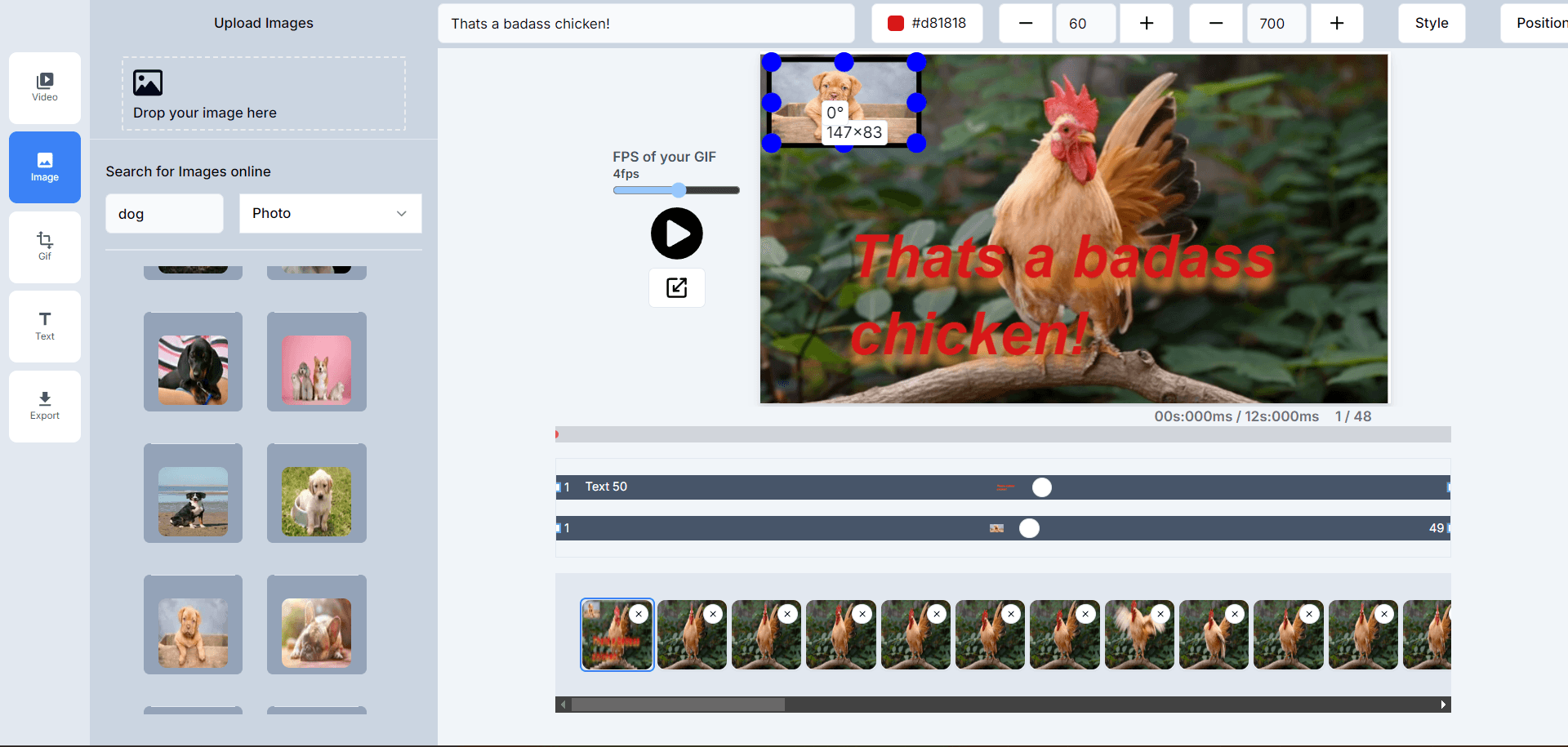
Create, edit, and export animated GIFs in seconds — optimized for speed without sacrificing quality.
Your files stay on your device. Editing and conversion run locally in your browser for better privacy and faster workflows.
Resize, crop, rotate, add text, tweak timing, and fine-tune frames to get a GIF that looks right everywhere.
Start editing instantly. Export clean GIFs without a watermark and without creating an account.
Balance quality and file size with smart optimization so your GIFs load fast on the web and social media.
Adjust frame duration, apply effects, add text, resize, crop, and export for the platform you’re posting to.
Use GIF-Creator on any modern browser — desktop, tablet, or phone — with a responsive editor that feels native.
See changes instantly while you crop, resize, and adjust timing — preview before you export your final GIF.
Create a GIF from a video, image sequence, or existing animation in three steps. The core workflow, use cases, and internal links are now rendered directly in the initial HTML.
Step 1
Start with MP4, MOV, AVI, WebM, PNG, JPG, or an existing GIF. Choose the workflow that matches what you want to make.
Step 2
Crop, resize, rotate, add text, adjust speed, and fine-tune frame timing in a browser-based editor designed for animated media.
Step 3
Download as GIF, WebP, or APNG with no watermark, then optimize file size for faster loading on websites, social posts, and chats.
These entry points target the main jobs users search for when they need to create, edit, convert, or optimize GIFs online.
Browse all GIF toolsTurn an MP4, MOV, AVI, or WebM clip into an animated GIF.
Open tool →
Set exact animated GIF dimensions with an optional locked aspect ratio.
Open tool →
Speed up or slow down a GIF by multiplier or exact duration.
Open tool →
Find the clearest real encode below an exact KB or MB target.
Open tool →
Convert an animated GIF into a broadly shareable MP4 video.
Open tool →
Convert an animated GIF into correctly rendered PNG frames.
Open tool →
Bring in video, images, or existing GIFs — edit your frames — export as GIF, WebP, or APNG. No uploads, no watermarks.
Practical guides for GIF creation, editing, optimization, and intent-specific workflows like resizing, captioning, and performance tuning.
A practical step-by-step guide to turning MP4, MOV, or WebM clips into clean looping GIFs without bloated file sizes or awkward timing.
Learn how to resize, crop, add text, and adjust timing in an animated GIF while keeping motion clean and readable.
Practical ways to compress and optimize GIFs by trimming frames, resizing intelligently, and keeping the loop clear.
Unlike most online GIF tools, GIF-Creator processes everything locally in your browser using WebAssembly and Canvas APIs. Your videos, images, and GIFs are never uploaded to a server — they stay on your machine, always.
All processing runs in your browser. Zero data leaves your device.
We never inspect filenames or media content. Product analytics contain only anonymous workflow events.
Start editing immediately. No sign-up, no email, no friction.
No. The focused GIF-Creator tools process source files in your browser. The browser downloads the processing engine, but your GIF is not sent to an editing server.
Yes. The resize and crop tools apply the same transformation to every frame and then rebuild the animated GIF. You can preview the actual result before downloading it.
Yes. Enter a target in KB or MB. The compressor tests multiple real encodes and selects the clearest generated result at or below the limit when that target is achievable.
Use Change GIF Speed for playback timing, or Trim GIF to keep an exact start and end range. Both pages report the measured duration of the finished file.
Yes. Split GIF into Frames creates correctly composited PNG files, provides individual downloads, and can package the complete sequence into a ZIP file.
Yes. GIF to MP4 creates a video with a chosen transparency background, while GIF to WebP keeps animation in a modern image format. A separate WebP to GIF tool converts in the other direction.