Free Online GIF Maker & Editor
Convert video to GIF or create GIFs from images — then crop, resize, rotate, add text, adjust speed, and optimize file size. Supports GIF, WebP, and APNG. Free to use, and exported GIFs are watermark-free.
Professional GIF Editing Tools
Fast GIF creation and editing
Create, edit, and export animated GIFs in seconds — optimized for speed without sacrificing quality.
Privacy-first, local processing
Your files stay on your device. Editing and conversion run locally in your browser for better privacy and faster workflows.
Advanced GIF editor with frame control
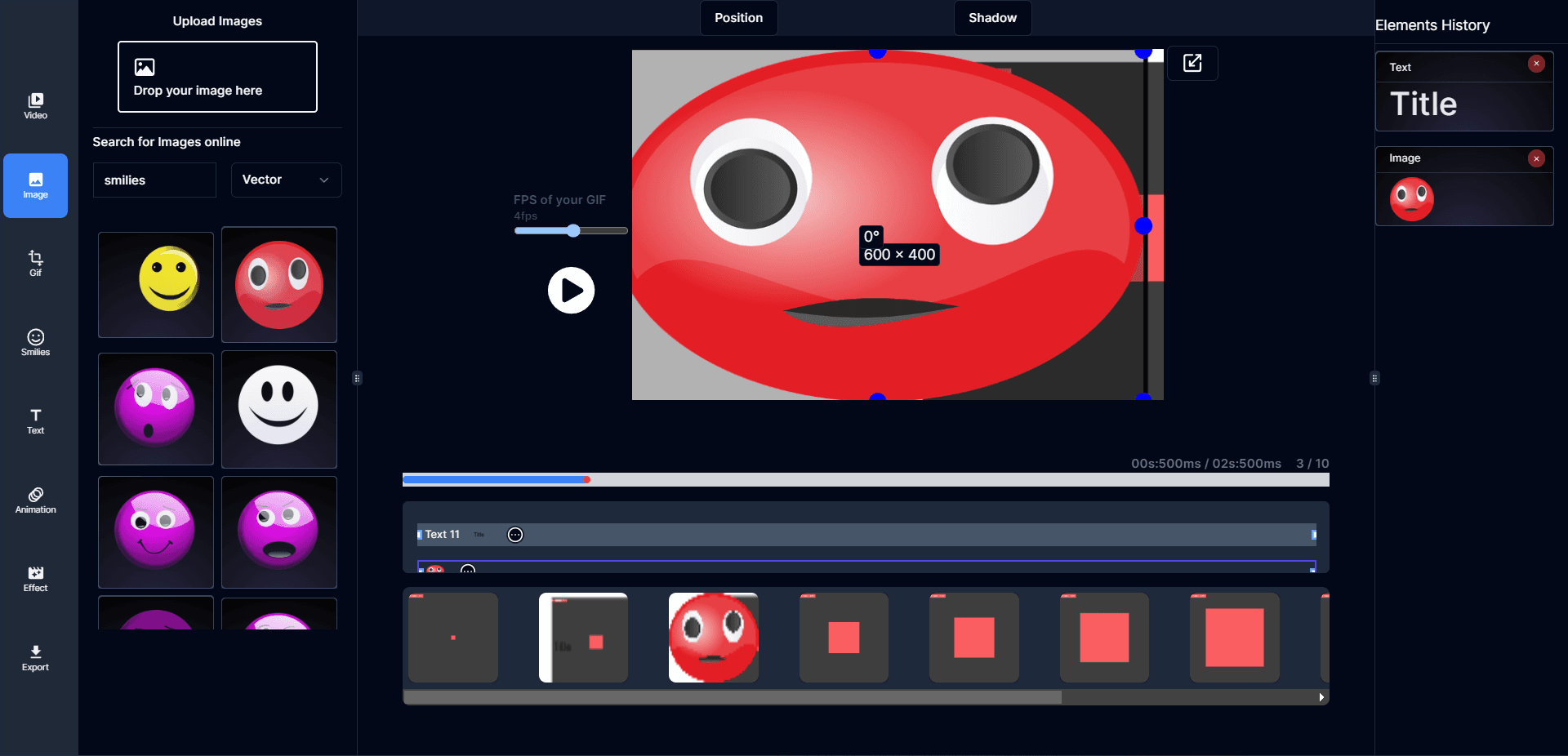
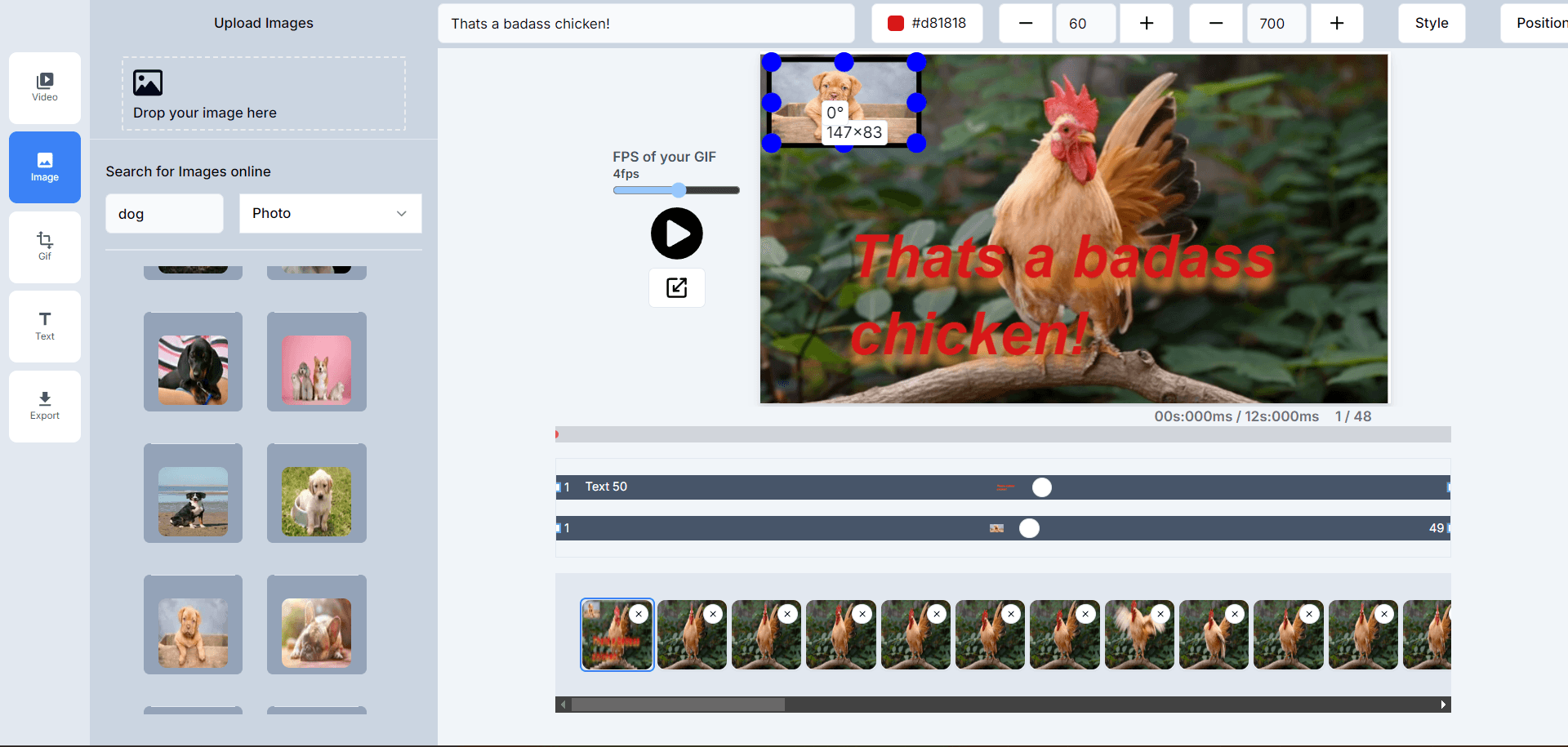
Resize, crop, rotate, add text, tweak timing, and fine-tune frames to get a GIF that looks right everywhere.
No sign-up, no watermark
Start editing instantly. Export clean GIFs without a watermark and without creating an account.
High-quality output with optimization
Balance quality and file size with smart optimization so your GIFs load fast on the web and social media.
Full creative control
Adjust frame duration, apply effects, add text, resize, crop, and export for the platform you’re posting to.
Works on desktop and mobile
Use GIF-Creator on any modern browser — desktop, tablet, or phone — with a responsive editor that feels native.
Real-time preview as you edit
See changes instantly while you crop, resize, and adjust timing — preview before you export your final GIF.
GIF Maker & Editor FAQ
How do I convert a video to GIF with frame editing?
Upload your video file to GIF-Creator for instant conversion to a high-quality GIF. Use the editor to crop and resize, tweak timing, add text, and optimize file size for smooth loops.
Can I resize and crop animated GIFs online for free?
Yes, our free GIF editor includes professional resizing and cropping tools. Resize animated images to any dimensions, crop specific regions, and maintain animation quality. No watermarks or limits on our animated image editor.
Does your GIF maker support frame-by-frame editing?
Absolutely! Edit individual GIF frames, control animation timing, add text overlays, apply effects, and optimize each frame. Our frame editor gives you complete control over your animated GIF creation.
How do I optimize GIF file size without losing quality?
Use our GIF optimizer to compress animated files while maintaining visual quality. Adjust frame rate, reduce colors, resize dimensions, and apply optimization algorithms to create smaller GIF files perfect for web use.
Can I rotate and flip animated GIFs online?
Yes, our GIF rotation tool lets you rotate animations by any degree, flip horizontally or vertically, and maintain smooth animation flow. Perfect for correcting orientation in animated images.
What animated image formats do you support?
We support GIF, WebP, APNG, AVIF, and more. Convert between formats, edit animations, and maintain quality across all supported animated image types.
How do I add text and effects to animated GIFs?
Our GIF editor includes text overlay tools, stickers, effects, and filters. Add animated text, apply visual effects, and customize your GIFs with professional editing features.
Is there a limit to GIF file size for editing?
Currently, we support animated files up to 100MB to ensure fast processing. Perfect for most GIF editing needs including video conversion, frame editing, and optimization.
Can I split GIF into individual frames for editing?
Yes, use our GIF splitter to extract individual frames from animated GIFs. Edit each frame separately, reorder sequences, and reassemble into new animations with our frame editor.
How do I create a GIF with a transparent background?
To create a GIF with a transparent background, start with images (like PNGs) that already have transparency. When you upload them to our GIF maker, the transparency will be preserved. You can also use our editor to remove a background color from an existing GIF or video.
Can I combine multiple GIFs into one?
Yes, you can easily combine multiple GIFs. Upload your GIF files to our editor, and you can arrange them side-by-side or end-to-end. You can also adjust the order and timing of each GIF to create a seamless new animation.
What is the best frame rate for a smooth GIF?
For a smooth, fluid animation, a frame rate of 24-30 frames per second (FPS) is ideal. However, for most web use, 10-15 FPS provides a good balance between smoothness and file size. Our editor allows you to adjust the frame rate to find the perfect setting.
How do I make a looping GIF?
GIFs created with GIF-Creator loop by default. You can adjust loop settings in the editor, including infinite looping or a set number of repeats.
What is the difference between GIF, WebP, and APNG?
GIF is the most widely supported format but is limited to 256 colors. WebP and APNG are more modern formats that support millions of colors and better transparency, resulting in higher quality and often smaller file sizes. Our tool lets you create and convert between all these formats.